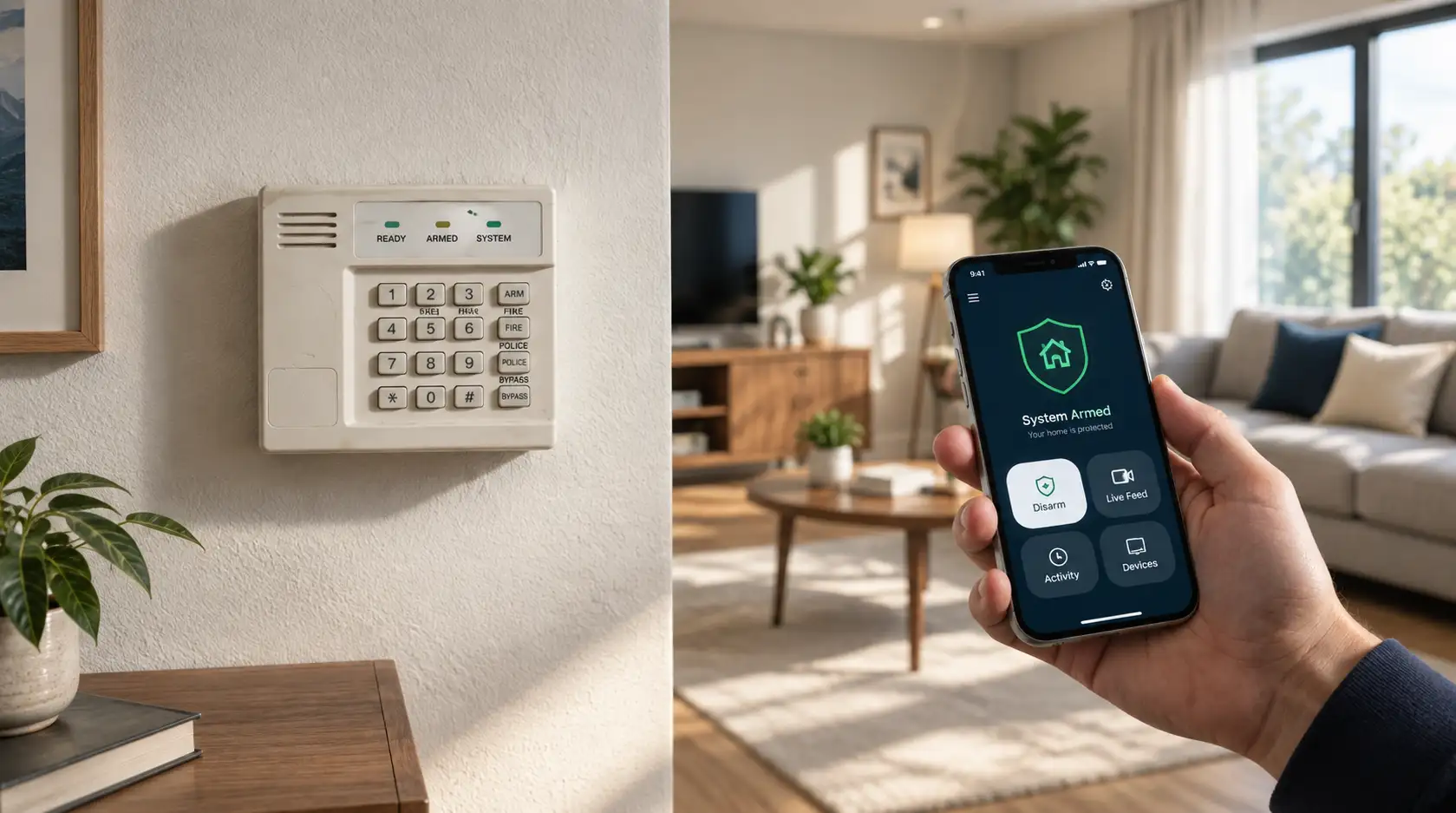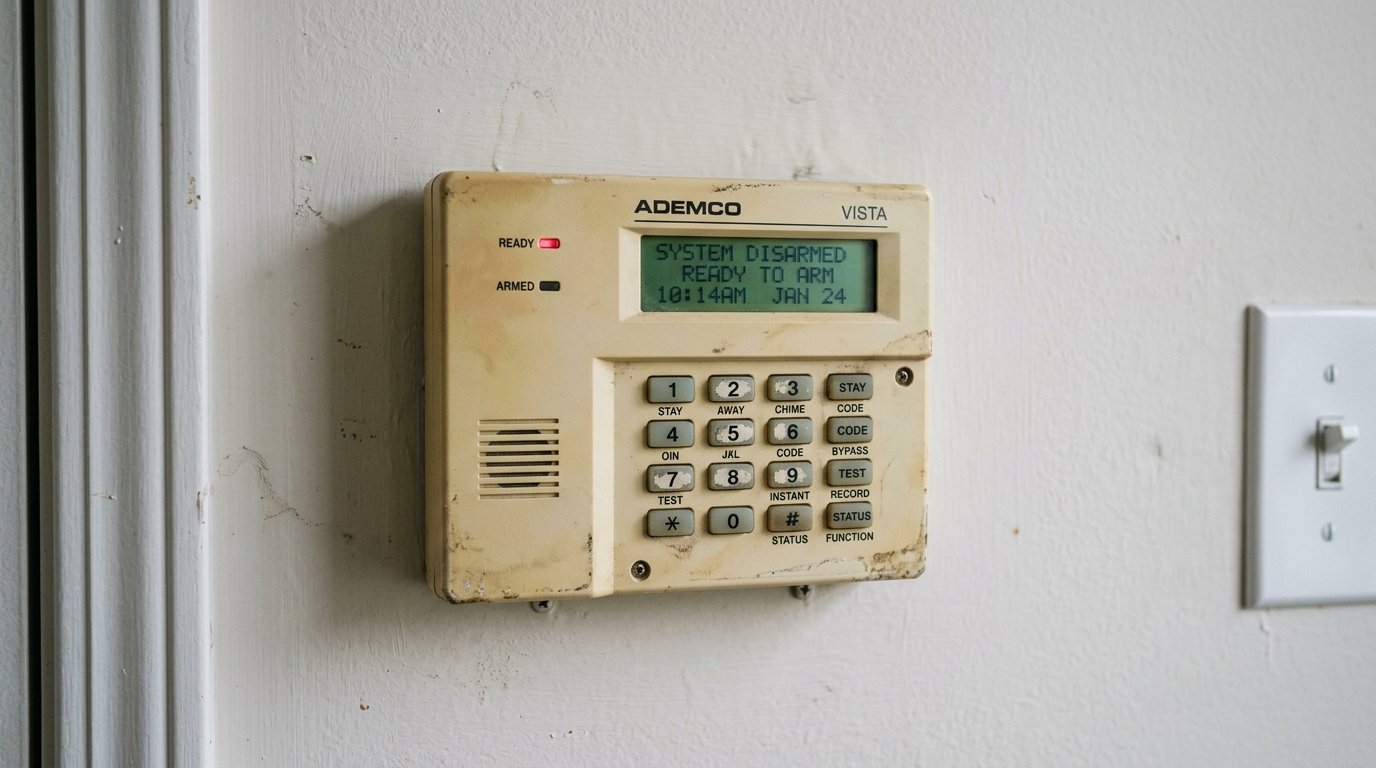
Quick Answer
In one sentence: Upgrade if your system still relies on a landline or an old cellular radio, since it may no longer reach the monitoring center, but you often do not need to replace everything, because reusing your existing sensors is usually cheaper.
The longer answer: The important question is not whether your system looks dated. It is whether it can still do its one essential job: reach help when it matters. Many older systems quietly cannot, because the network they depended on has been switched off. Once you have checked that, the decision is not simply keep or replace. You have four realistic paths, and the cheapest good option, an alarm takeover that reuses your existing equipment, is the one providers mention least. This guide walks through the urgent check first, then how to choose.
Key Takeaways
- Older 2G and 3G cellular radios have been shut down, and copper landlines are being retired, so an old system may not reach help.
- A landline connection can also be cut in seconds, disabling the alarm.
- You have four options: keep it, take it over, upgrade parts, or fully replace.
- An alarm takeover reuses your existing sensors and wiring under new monitoring, often the cheapest good path.
- Do not keep paying a rising monthly fee on aging gear out of sunk cost.
If you already own a security system that feels dated, the instinct is either to ignore it because it still beeps, or to assume you must rip it all out and start fresh. Both can be wrong, and one of them can be dangerous. Before deciding anything, there is a single check worth doing today, because a system that looks fine on the wall can be unable to actually summon help. If you want the background on what modern systems do that old ones did not, that is covered separately. This post is about your decision.
First, an Urgent Check: Can It Still Call for Help?
This is the one that actually matters, and most homeowners have never checked it. A security system's core job is to reach a monitoring center or your phone when something happens. Two common problems can silently break that link on an older system.
The dead cellular radio
Older systems that communicate over cellular often used 2G or 3G networks. Security industry reporting notes that carriers have shut those networks down, which can leave an older panel unable to reach the monitoring center at all. Modern systems use current cellular technology with battery backup instead.
The vanishing landline
Many older systems phone home over a copper landline. Those are being decommissioned across the country, and a landline has always had a second weakness: it can be cut in seconds outside the house, disabling the alarm. Guidance from security providers is consistent that landline-reliant systems are neither burglar-proof nor future-proof.
How to check today
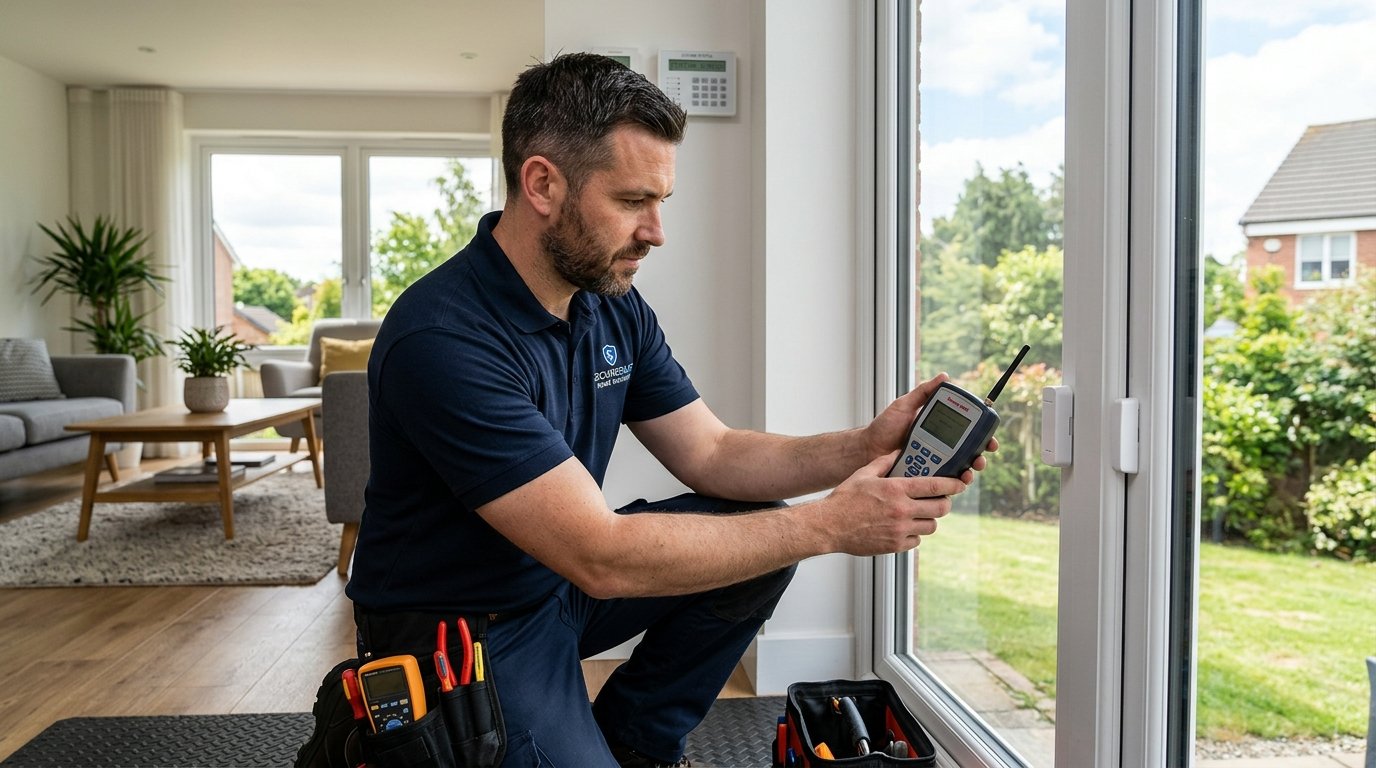
Find out how your system communicates. If it uses a phone line, or a cellular module that is more than several years old, contact a monitoring provider and ask them to confirm the signal is actually reaching the center. If it cannot, the system is decorative, and this stops being a question of upgrading for convenience and becomes one of restoring basic protection. A cellular module can often replace a landline without replacing the whole system.
The Signs Your System Is Behind
Beyond the communication check, these are the signals that an older system has fallen behind. One or two may not force a decision. Several together usually do.
- You still arm and disarm at a keypad, with no way to control or check it from your phone
- Frequent false alarms, which often mean aging sensors or wiring, and can bring fines
- Grainy, low-resolution camera footage that cannot identify a face
- No separate monitoring for smoke, carbon monoxide, or water
- Your monitoring company no longer supports or services your model
- Your home has changed, with renovations, added rooms, or new entry points the system does not cover
- Your monthly monitoring fee has crept up year after year while the equipment only got older
That last one is the quiet trap, and it gets its own section below, because it costs more people more money than any of the others.
You Have Four Options, Not Two
The single most useful reframe here is that this is not a keep-or-replace decision. There are four realistic paths, and matching yours to the right one is where the money is saved or wasted.
| Option | What it means | Best when |
|---|---|---|
| Keep it | Leave it as is, or just reconnect monitoring | It's already current and reaches help reliably |
| Take it over | New provider reuses your sensors, reprograms the panel, adds monitoring | Equipment is sound but unsupported or unmonitored |
| Upgrade parts | Swap the panel or add a cellular module and cameras, keep the sensors | The bones are fine but the panel or comms are obsolete |
| Replace fully | Remove and install a new system | Very old, orphaned, or beyond practical upgrade |
Notice that only one of the four is a full replacement. Providers whose business is selling new systems have little reason to walk you through the cheaper middle two, which is exactly why they are worth knowing about.
Not sure which path your system needs?
Our advisors can help you work out whether a takeover, a targeted upgrade, or a full replacement makes sense, and compare options across our provider partners. Free consultation, no pressure.
Call (855) 248-8052 or request a free quote online.The Money-Saver Nobody Mentions: An Alarm Takeover
If your equipment is physically sound but your system is unmonitored, unsupported, or tied to a provider you want to leave, a takeover is often the smartest move, and it is the option people are least likely to have heard of.
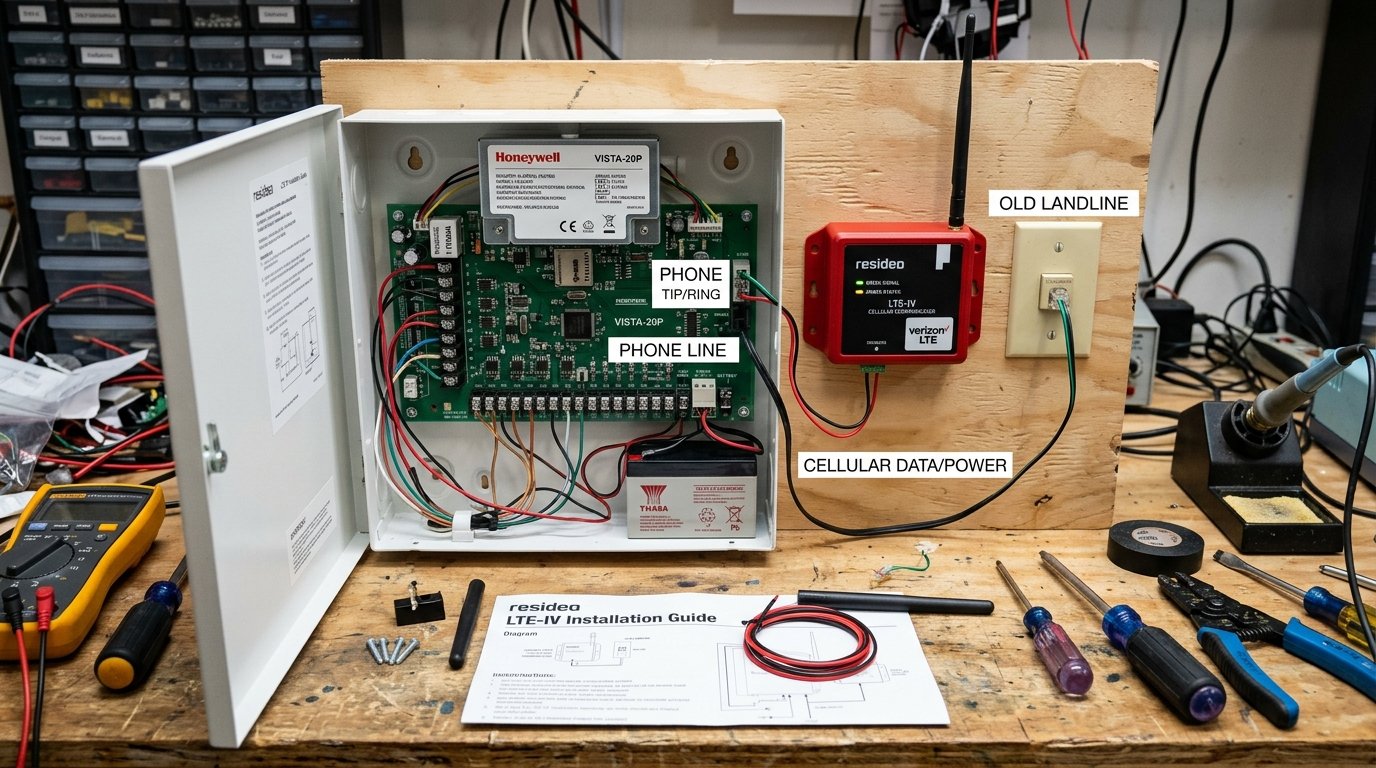
In a takeover, a qualified provider tests your existing sensors, reprograms the control panel, and connects the system to their monitoring network. Security industry guidance describes this as a way to restore protection quickly while avoiding the cost of replacing hardware that still works. Your door and window sensors, motion detectors, and wiring frequently do not need to change at all. What changes is the monitoring and, where needed, the way the system communicates.
A takeover tends to make sense when: the sensors and wiring are in good condition, the panel can be reprogrammed or economically updated, and you mainly need current monitoring and a reliable connection. It tends not to make sense when the equipment is proprietary and orphaned, the panel cannot be updated, or so much would need replacing that starting fresh costs about the same.
What's Worth Keeping, and What Isn't
If you do upgrade, you rarely need to bin everything. The parts of a system age at very different rates.
| Often worth keeping | Usually worth replacing |
|---|---|
| Door and window sensors in good condition | A panel that only speaks over a landline |
| Existing wiring runs | An old 2G or 3G cellular module |
| A sound, reprogrammable control panel | Grainy analog cameras |
| A complex or to-code fire system | A keypad with no app or remote control |
| Motion detectors that still test correctly | Sensors that cause repeated false alarms |
Two notes worth flagging. Complex multi-zone or to-code fire systems are often best left in place rather than replaced wholesale, because replacing them is expensive and the existing setup may meet code. And if any of your equipment was leased rather than bought, it is not yours to keep or sell, so confirm ownership before planning around it, an issue our guide to contract versus no-contract systems touches on.
Don't Let Sunk Cost Decide
Here is the trap that quietly costs the most. Because you have already paid for your system, it feels wasteful to change it, so people keep paying a monthly fee on aging equipment year after year. That reasoning is backwards.
Consumer reporting on this is blunt: some national providers raise the monthly rate over the years while the equipment only gets older, so you pay more and more for gear you will never get to upgrade. Switching to a current, competitively priced monitoring plan can save a meaningful amount, with reported savings in the range of a few hundred dollars a year for households moving off a high legacy rate. The money you already spent is gone either way. The only question that matters is what protects you best from here, at the lowest ongoing cost. Our guide to what a system really costs can help you run that comparison.
How to Decide
- Confirm how your system communicates and whether the signal actually reaches a monitoring center. This comes first.
- List what it lacks that you actually care about: phone control, better cameras, life-safety monitoring, coverage of new areas.
- Get a professional evaluation, and specifically ask whether a takeover or a partial upgrade is possible, not just a replacement.
- Get a takeover or upgrade quote and a full-replacement quote, and compare them against what you would pay to simply continue as you are.
- Ignore what you have already spent. Decide on protection and ongoing cost from today forward.
Frequently Asked Questions
How do I know if my old security system still works?
Check how it communicates. Older 2G and 3G radios have been shut down and copper landlines are being retired, so ask a monitoring provider to confirm the signal actually reaches the center. A silent panel may not be calling for help.
What is an alarm takeover?
A provider tests your existing sensors, reprograms your control panel, and connects the system to their monitoring network. It restores protection while reusing hardware that still works, so it is often cheaper than a full replacement.
Do I have to replace my whole security system to upgrade it?
Usually not. Door and window sensors, wiring, and a sound panel can often be kept. Frequently only the communication method or the panel needs updating, which a cellular module or a takeover can handle.
Is a landline alarm system still safe?
It is a weak point. A landline can be cut in seconds to disable the alarm, and copper networks are being decommissioned. A cellular connection with battery backup is the modern standard and can often be added without a full replacement.
Should I keep paying for monitoring on an old system?
Only if it still reaches help reliably and the price is fair. Many legacy plans rise over time while the equipment ages. If you are overpaying for outdated gear, switching monitoring can save a meaningful amount yearly.
Can I switch monitoring companies but keep my equipment?
Often yes, through an alarm takeover, provided your equipment is compatible and you own it rather than lease it. The new provider reprograms the panel and monitors the existing sensors, avoiding the cost of new hardware.
When is a full replacement the better choice?
When the system is very old, the equipment is proprietary and no longer supported, the panel cannot be updated, or so much needs replacing that starting fresh costs about the same. Otherwise a takeover or partial upgrade usually wins.
Will upgrading my system lower false alarms?
It can. Frequent false alarms often come from aging sensors or wiring, and replacing those specific components, or moving to newer smart detection, typically reduces them. Fewer false alarms also avoids local fines.
Is my old equipment mine to keep or sell?
Only if you bought it. Leased equipment belongs to the provider and must usually be returned. Confirm ownership before planning an upgrade, since it changes what you can reuse, sell, or take with you.
Does an upgraded system qualify for an insurance discount?
It can, particularly if it adds professional monitoring and monitored fire or carbon monoxide detection. Eligibility and amounts vary by insurer, so confirm with yours, since the discount may offset part of the upgrade.
Related Reading
- What Modern Home Security Does That Old Systems Didn't
- How Much Does a Home Security System Really Cost?
- Contract vs No-Contract Home Security: Which Actually Saves More?
- Wireless vs Wired Home Security Systems
Explore our services:
- New Home Security Installations
- Upgrade Promotions
- 24/7 Professional Monitoring
- Home Security Overview
Get a Second Opinion, Free
The right answer for an old system is often cheaper than replacing it, but only if you know the middle options exist. An independent look can tell you which one fits.
Home Secure Connect is an independent home security advisor. We help homeowners across the USA decide whether to keep, take over, upgrade, or replace an existing system, and compare options across our trusted provider partners. Free consultation. No obligation. No pressure.
Call (855) 248-8052 or Request a Free QuoteAvailable Mon to Fri, 10am to 8pm ET.
Trending This Week
How to Test if Your Home Security System Is Actua…
September 9, 2026 · About 8 min read
Contract vs No-Contract Home Security: Which Actu…
September 2, 2026 · About 7 min read
Fire Safety at Home: What Your Smoke Alarm Isn't …
August 31, 2026 · About 8 min read