Internet Security That Protects
Every Device on Your Network
Antivirus protects your laptop. But what about your smart TV, doorbell camera, smart thermostat, and the 20+ other devices on your home Wi-Fi? Network-level internet security included with your gateway protects all of them — including the ones that can't run security software of their own.
Your laptop has antivirus. Your smart TV doesn't.

Count the devices on your home Wi-Fi. Phones, laptops, tablets, smart TVs, doorbell cameras, security cameras, smart speakers, voice assistants, smart thermostats, smart locks, robot vacuums, gaming consoles, e-readers, kids' devices, fitness trackers, smart appliances. The typical American home now has around 15 to 25 connected devices, with smart-home-heavy households reaching 30 or more. And on most of those devices, there's no antivirus software running.
Phones and computers run real security software. But smart TVs, cameras, thermostats, and the rest of the connected home? They generally don't, because they can't. Most smart home devices weren't designed to run their own security. That's why network-level internet security included with your gateway matters: it protects the devices that can't protect themselves. The protection happens at the gateway — before any threat reaches the device — covering everything on your home network at once.
What Gateway Internet Security Actually Does
Network-level threat protection works differently from the antivirus on your laptop. Instead of protecting one device, it sits at the gateway (your home internet router) and scans the network traffic flowing in and out of every connected device. Three core things happen continuously.
1. Blocks Malicious Websites Before They Load
When any device on your network tries to connect to a known malicious website (a phishing site, a malware download server, a fake banking site), the gateway blocks the connection before it completes. The page never loads. Your device never downloads the malicious payload. This is far more effective than waiting for antivirus software on the device to catch the threat after it's already been delivered.
2. Detects Suspicious Network Activity
If one of your devices starts doing something unusual — sending data to an unknown server, attempting connections at unusual times, or showing patterns that match known attack behavior — the gateway flags it. This is how compromised smart home devices get caught: not because of what's on the device, but because of how the device starts behaving on the network.
3. Real-Time Threat Scanning of All Traffic
Every byte of data coming into your home and going out passes through the gateway. Modern internet security at the gateway level inspects this traffic continuously, identifying and blocking known malware delivery attempts, phishing attempts, and other web-based threats before they reach any device. Both wired and Wi-Fi devices get the same protection automatically.
Why Smart Home Devices Need Network-Level Protection
The honest reality of smart home security in 2026 is that most connected devices in your home have very limited built-in security. The doorbell camera, smart TV, smart thermostat, smart speaker, and dozens of other devices typically have minimal protection against modern threats.
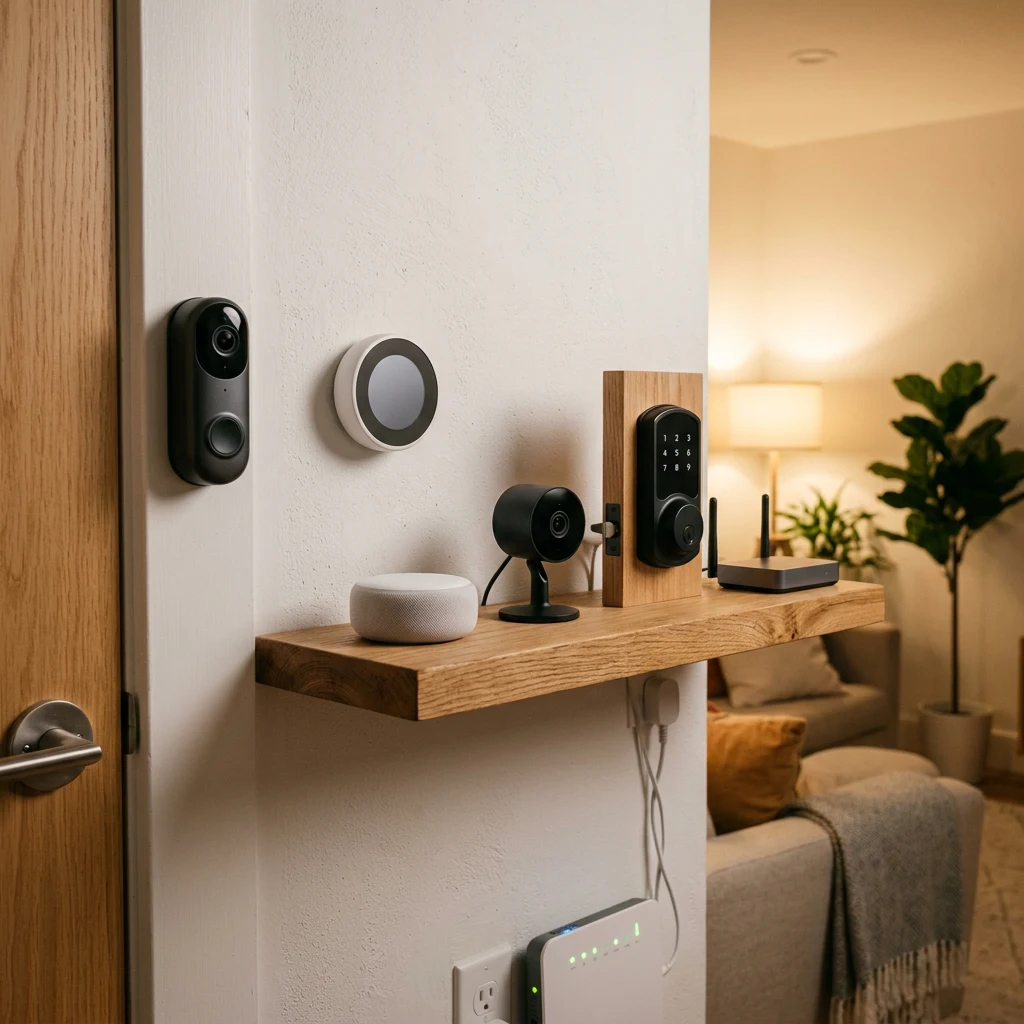
Why can't these devices protect themselves?
That's not necessarily because the manufacturers are negligent. It's because these devices were designed to do one thing well (stream video, control temperature, play music) and weren't built with enterprise-grade security in mind.
Default passwords owners never change
Outdated software that won't auto-update
Known vulnerabilities never patched
Worried about the security gap in your smart home?
Gateway internet security closes the gap between your antivirus-protected laptop and the dozens of smart devices that have no built-in security at all. Talk to a real advisor.
Standard vs Advanced Internet Security Tiers
Internet security included with the gateway typically comes in two tiers. The honest comparison.
| Feature | Standard (Often Included with Service) | Advanced (Premium Tier) |
|---|---|---|
| Block malicious websites at router | Yes | Yes (with broader threat database) |
| Suspicious network activity alerts | Yes | Yes (with detailed threat activity dashboard) |
| Real-time threat scanning of traffic | Yes | Yes |
| Coverage for smart home devices | Yes, all devices on network | Yes, all devices on network |
| VPN for online privacy | No | Yes (encrypted browsing) |
| Dark web and identity monitoring | No | Yes (identity theft protection alerts when personal info is leaked) |
| Parental controls and safe browsing | Basic content filtering | Customizable per-device parental controls |
What Gateway Internet Security Doesn't Replace
Honest about the limitations. Gateway internet security is a critical layer, but it's not the only layer.
It doesn't replace device antivirus.
Gateway security inspects network traffic, but it can't see what's already on your device. Email attachments, files from USB drives, and threats inside encrypted traffic still need antivirus software on the device itself. The gateway covers the network layer. Antivirus covers the device layer. Both matter.
It doesn't protect against user-authorized access.
If you give someone your Wi-Fi password, or click 'allow' on a suspicious app permission, or willingly install something malicious, the gateway can't stop that. Network security blocks unwanted traffic; it can't override your own decisions.
It doesn't catch every threat.
Modern threats evolve constantly. Gateway-level security catches known and pattern-detectable threats but may not detect every new attack immediately. This is why combining gateway security with device antivirus, strong passwords, and regular updates is the right approach — multiple layers, not just one.
It doesn't replace common-sense behavior.
Phishing attacks succeed by getting users to take an action — clicking a link, entering credentials, downloading a file. Gateway security blocks many phishing sites at the network level, but if you click a link, ignore a warning, and enter your password anyway, no security tool catches that decision.
How Internet Security Gets Activated
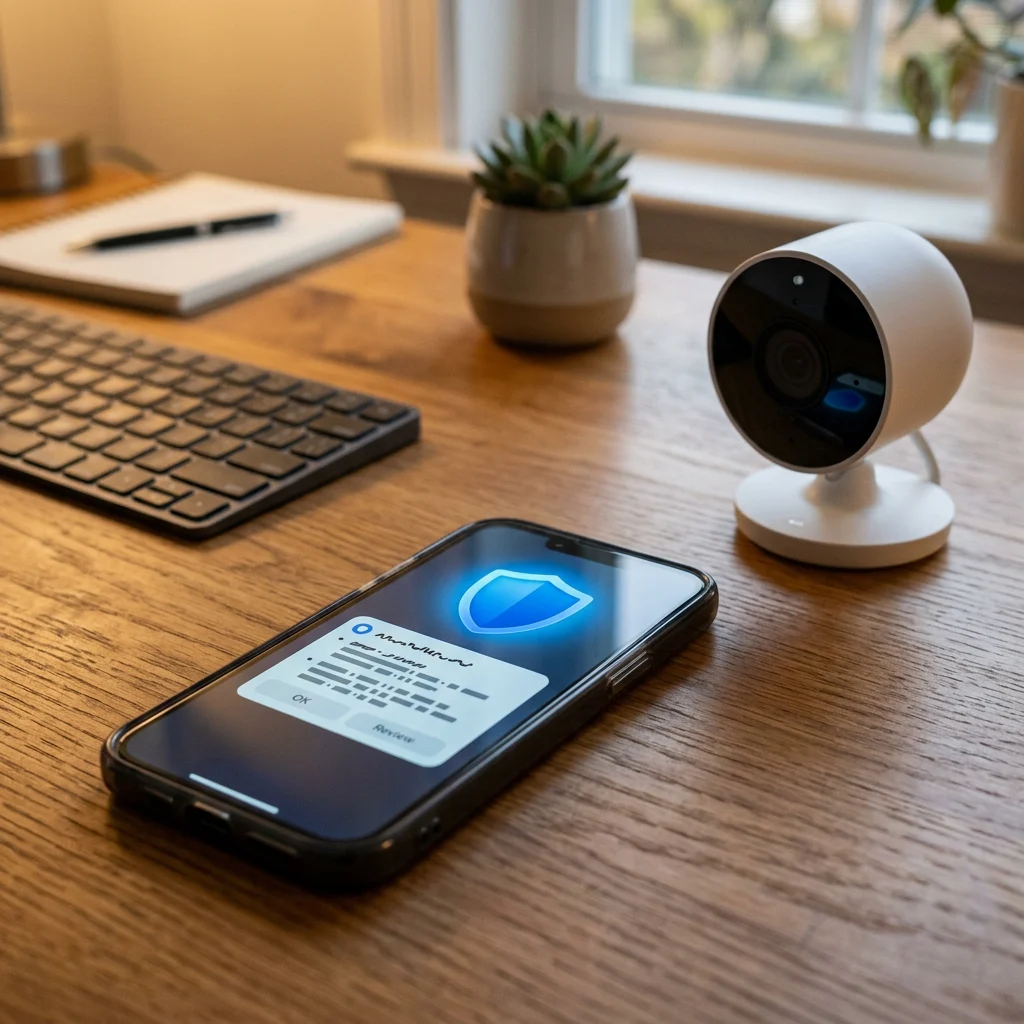
Gateway internet security isn't automatic — even when it's included with your service, it usually has to be turned on. Activation typically takes 5 minutes and follows a standard process.
Download the home network management app for your service provider.
Sign in with your service credentials to access your home network settings.
Find the security settings, review the terms, and enable the protection.
The gateway begins scanning all network traffic and protecting connected devices immediately. No software needed on individual devices.
Prefer professional activation?
We activate the security features, verify they're protecting your network correctly, walk you through the app so you know how to check the threat dashboard, and explain what each alert means.
What Homeowners Are Saying
★★★★★
"[INSERT REAL TESTIMONIAL — peace of mind knowing the smart home devices are protected, not just the laptop.]"
— [First Name] [Last Initial], [City, State]
★★★★★
"[INSERT REAL TESTIMONIAL — HSC explained the difference between gateway security and antivirus, helped configure both correctly.]"
— [First Name] [Last Initial], [City, State]
★★★★★
"[INSERT REAL TESTIMONIAL — got a phishing site blocked alert that would have been a problem on an unprotected network.]"
— [First Name] [Last Initial], [City, State]
Activation Done Right
Internet security included with your gateway only protects you if it's turned on and configured correctly. We activate it during setup so you don't have to figure out the settings yourself.
Honest 'Standard vs Advanced' Advice
Not every household needs the advanced security tier. We tell you when the standard tier is enough and when the advanced features pay off — based on your specific situation, not on what we make more selling.
Coordinated with Smart Home
Cameras, thermostats, locks, and other smart home devices benefit most from network-level security. We make sure they're integrated with your gateway protection — not floating on the network unprotected.
Real Advisors, All 50 States
When an alert comes in and you don't know what to do, you can call a real person. We explain what each threat type means and help you respond appropriately.
Frequently Asked Questions
Yes, and the two protect different things. Antivirus on your laptop or phone protects that specific device. Gateway internet security protects every device on your home network, including the ones that can't run antivirus — smart TVs, cameras, doorbells, thermostats, voice assistants, and so on. The typical American home now has around 15 to 25 connected devices, and only a few of them are capable of running antivirus software. The gateway closes that gap by protecting the network itself.
Network-level threat protection works at your gateway (your home internet router) rather than on individual devices. It inspects all the traffic flowing in and out of your home network, blocks connections to known malicious websites, detects suspicious patterns (like a smart camera suddenly sending unusual data), and alerts you when something needs attention. Because it operates at the network level, it covers every connected device automatically without requiring software to be installed on each one.
Standard internet security features are typically included at no extra cost with major fiber and 5G home internet plans, accessible through the provider's home network management app. Advanced features (VPN, dark web monitoring, expanded parental controls, detailed threat dashboards) are usually available as a premium tier or add-on. Specific terms vary by provider and plan, so we confirm exactly what's included with your service during the free consultation.
Yes. One of the core functions of gateway internet security is to block malicious websites at the router level — phishing sites, malware download servers, fake banking sites, and other known dangerous destinations. The connection is blocked before the page loads on any device. This means even if a family member clicks a phishing link in an email, the page never reaches them. Combined with safe browsing alerts on devices, this dramatically reduces the chances of a successful phishing attack.
Smart home devices generally can't run their own antivirus, which makes them vulnerable. Network-level security protects them in two ways: by blocking malicious traffic before it reaches them, and by detecting if any device on the network starts behaving suspiciously (sending unusual data, communicating with unknown servers, attempting unauthorized connections). If a camera or thermostat gets compromised, the gateway can catch the unusual activity and alert you, even when the device itself has no idea anything is wrong.
No, and the honest answer matters. Gateway security and device antivirus protect against different things. The gateway catches threats at the network level — blocking malicious sites, scanning network traffic, detecting suspicious device behavior. Antivirus on individual devices catches threats that come from elsewhere — email attachments, USB drives, files brought from work or downloaded inside encrypted connections the gateway can't inspect. The right approach is layered: gateway security plus device antivirus plus strong passwords plus regular updates. Each layer catches what others miss.
The detected connection is typically blocked automatically, and you receive an alert in the home network management app describing what was blocked and which device was involved. Some alerts are informational (a routine malicious site was blocked — no action needed). Others may need attention (a specific device showing repeated suspicious activity may be compromised and need to be checked). Our team can help interpret alerts and recommend next steps if anything looks concerning.
Modern network-level security significantly reduces risk, but no single tool catches every threat. The honest standard across the industry is that gateway security is one critical layer in a multi-layer defense — combined with device antivirus, software updates, strong unique passwords, and basic awareness of phishing tactics. The 2026 FBI router warning highlighted that outdated routers and connected devices are common attack targets, and recommended network-level security as part of broader home network protection. Gateway security catches the broad categories of threats most likely to reach a typical home network, while requiring no ongoing effort from you after activation.
Protect Every Device on Your Home Network
Talk to a real advisor about internet security included with your gateway. We activate the protection during setup, walk you through what each feature does, help you decide between standard and advanced tiers, and make sure your smart home devices are covered. No pressure. No fees.
Or call (855) 248-8052. Mon to Fri, 10am–8pm ET.