Internet Backup Over Wireless:
Stay Online When Your ISP Goes Down
When your fiber or cable goes down, wireless internet backup keeps your home connected through a cellular connection. Automatic failover in about 30 seconds — no manual switching. Video calls keep going. Security cameras stay live. Smart home devices keep working. Switches back to primary automatically when it's restored.
Your internet will go down. The question is what happens when it does.
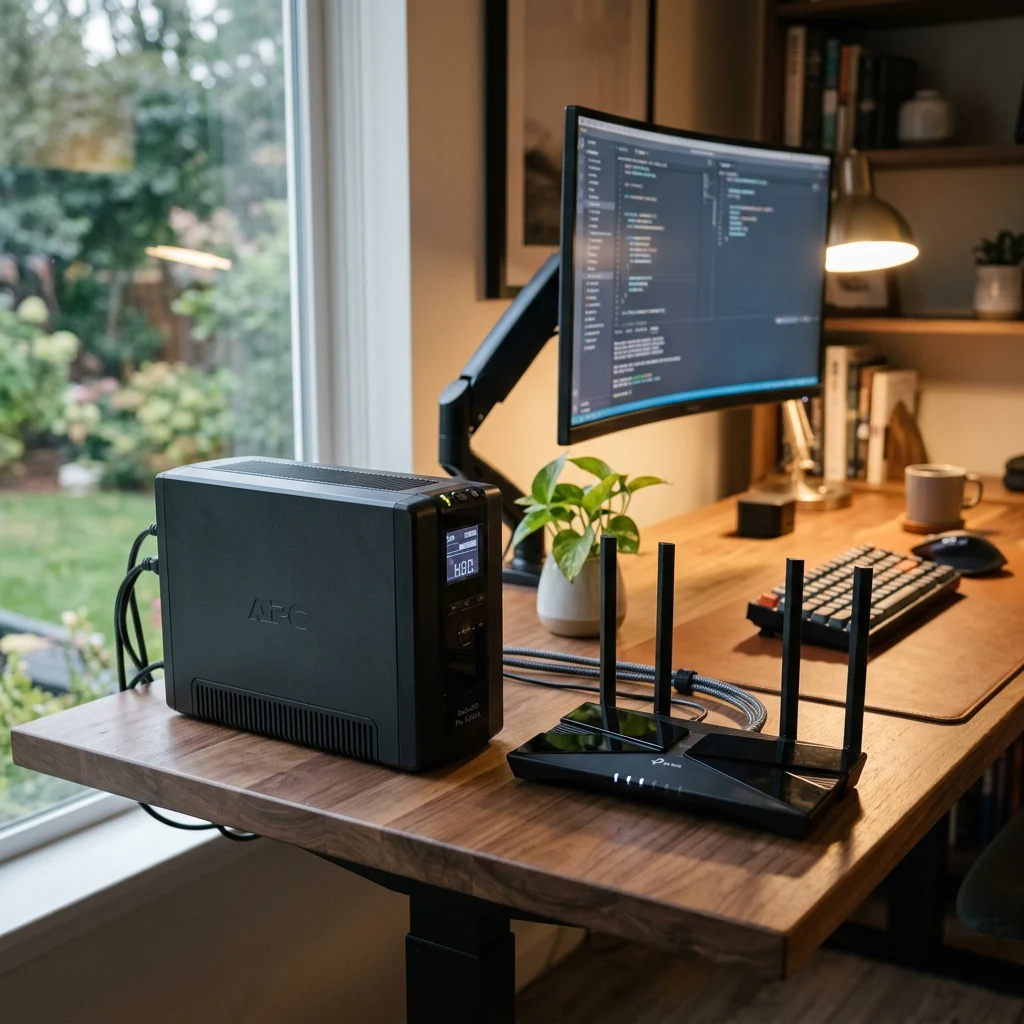
Even the most reliable home internet service has outages. Lines get cut by construction crews. Equipment fails. Storms knock out neighborhood infrastructure. Even providers advertising 99.9 percent uptime are still indicating about nine hours of downtime per year. For some households, those nine hours are mildly annoying. For others — remote workers in the middle of a video call, families running security cameras, students taking online tests, small business owners processing payments — those hours can be expensive, stressful, or genuinely disruptive.
Wireless internet backup solves this differently than the old approach of 'tether your phone and hope for the best.' A backup cellular connection runs alongside your primary internet, sitting idle in the background until needed. When your primary goes down, the system switches over automatically — usually in about 30 seconds — and your home keeps working. When the primary internet is restored, it switches back. The outage becomes invisible.
What Wireless Internet Backup Actually Is
Wireless internet backup (also called cellular failover, internet failover, dual-WAN failover, or cellular internet backup) is a secondary internet connection that activates when your primary connection fails. Instead of waiting for your provider to restore service, your home automatically switches to a cellular connection that uses the same 4G LTE or 5G network powering modern phones. Two main implementation models exist.
1. Provider-Bundled Backup
Some internet providers offer wireless internet backup as a feature of their service. Your gateway connects to a wireless device on an eligible cellular plan (often a phone or dedicated cellular hub on the same account). When the primary fiber or cable goes down, the gateway routes traffic through the wireless connection. When primary is restored, it switches back automatically. Setup typically happens through the provider's home network management app. This is the simplest and most common consumer model.
2. Dedicated Cellular Backup Router
Some homes use a dedicated router with a built-in cellular radio and SIM card slot. This is independent of any specific provider — the router monitors the primary internet connection and switches to cellular automatically when needed. More flexible (works with any primary internet), but generally requires more setup and a separate cellular data plan.
How Automatic Internet Failover Works
The mechanics matter, because the difference between 'backup that works' and 'backup that fails when you need it' often comes down to how the failover is configured. Here's what happens during a typical automatic failover event.
Your gateway constantly checks the health of your primary internet connection. It's not just checking that the cable is plugged in — it's verifying that data can actually reach the internet through the primary connection.
When the gateway detects that the primary connection has failed (or degraded below a usable threshold), it confirms the failure to avoid triggering on brief glitches, then prepares to switch over.
The gateway routes all home network traffic through the cellular backup. This typically completes in 10 to 30 seconds. During the switchover, active connections may briefly pause — a video call may freeze for a few seconds, a streaming video may buffer — but the network itself stays operational.
While running on backup, everything that needs internet continues to work. Video calls, web browsing, email, security cameras, smart doorbells, smart locks, voice-over-IP (VoIP) home phone service, smart home devices, and streaming (within backup speed limits) — all functioning normally. Most users barely notice anything happened beyond the brief switchover pause.
When the primary internet is restored, the gateway switches back automatically. No manual action needed. The backup connection returns to idle until needed again.
Who Actually Needs Internet Backup
Not every household needs wireless internet backup. For some, it's a critical investment. For others, it's a nice-to-have that may not be worth the cost. Honest segmentation:
Strong fit for:
- Remote workers doing video calls and using cloud apps where an outage means real lost productivity.
- Households running security cameras, video doorbells, and smart locks where being offline creates a safety gap.
- Small business owners working from home where downtime means lost revenue.
- Online learning households where a missed class or assignment deadline creates real problems.
- Short-term rental hosts where outages create unhappy guests and refund requests.
- Rural areas where primary internet is less reliable.
- Anyone whose calendar regularly includes 'I have to be online at exactly this time' commitments.
Probably not necessary for:
- Households where occasional internet outages are mildly annoying but don't disrupt anything important.
- People who can comfortably tether to their phone when the internet goes out.
- Light internet users who mostly browse and stream.
- Anyone whose primary internet is already extremely reliable and the cost of backup outweighs the practical benefit.
Backup Speed: What to Expect
Honest expectation-setting matters here. Backup connections are usually slower than primary internet — but they're typically fast enough for everything most households need during an outage.
4G LTE backup
Comfortable for video calls, web browsing, email, security cameras, smart home devices, and standard streaming.
5G backup
Comfortable for everything 4G LTE handles, plus 4K streaming, multiple simultaneous users, larger file uploads.
The honest framing: for most households, backup speed is enough for everything you actually need during an outage. The brief 5-minute or 2-hour or even half-day window where you're running on backup doesn't usually require the same speeds as your primary connection. What it does require is being online at all — and that's what backup delivers.
What Internet Backup Doesn't Cover
Honest about the limitations. Wireless internet backup handles most real-world outages well, but it isn't magic.
Critical to understand: Power outages take everything down.
Your gateway needs electricity to operate, including for cellular backup. If your home loses power, the gateway turns off and backup can't activate. For homes that need internet during power outages too, a separate battery backup (UPS) on the gateway is the right complement — and worth discussing during setup. A modest UPS can keep the gateway running for hours during a power outage, allowing backup to continue working. This is the single most common misunderstanding about internet backup, and it's important to be clear about it upfront.
Widespread cellular outages mean no backup.
Backup uses cellular networks. When a major weather event or infrastructure failure takes down both your primary internet and the cellular network in your area, backup won't activate either. This is rare in most areas but does happen during severe events.
Backup requires cellular signal at your address.
If your home has weak cellular reception, backup speeds will be poor — or backup may not work at all. We check signal strength at your specific address before recommending backup, similar to how we check 5G home internet availability.
Some plans have backup data limits.
Provider-bundled backup using a phone's wireless plan may consume mobile data during an outage, depending on plan structure. Most modern plans handle this well, but it's worth confirming what your specific plan includes. Extended outages can hit data caps.
What Homeowners Are Saying
★★★★★
"[INSERT REAL TESTIMONIAL — remote worker had a fiber outage during an important video call and barely noticed because backup kicked in.]"
— [First Name] [Last Initial], [City, State]
★★★★★
"[INSERT REAL TESTIMONIAL — security cameras kept recording during a multi-hour outage thanks to backup, caught an actual event.]"
— [First Name] [Last Initial], [City, State]
★★★★★
"[INSERT REAL TESTIMONIAL — small business or short-term rental host whose income depends on uptime, backup paid for itself.]"
— [First Name] [Last Initial], [City, State]
Honest 'Do You Need It?' Advice
Not every household needs internet backup. We walk through your specific situation and tell you whether the cost is worth it for your particular usage — even when that means recommending against it.
Signal and Coverage Verification
Backup only works if cellular signal is strong at your home. We confirm signal strength at your specific address before recommending backup — not just checking a coverage map.
Professional Configuration
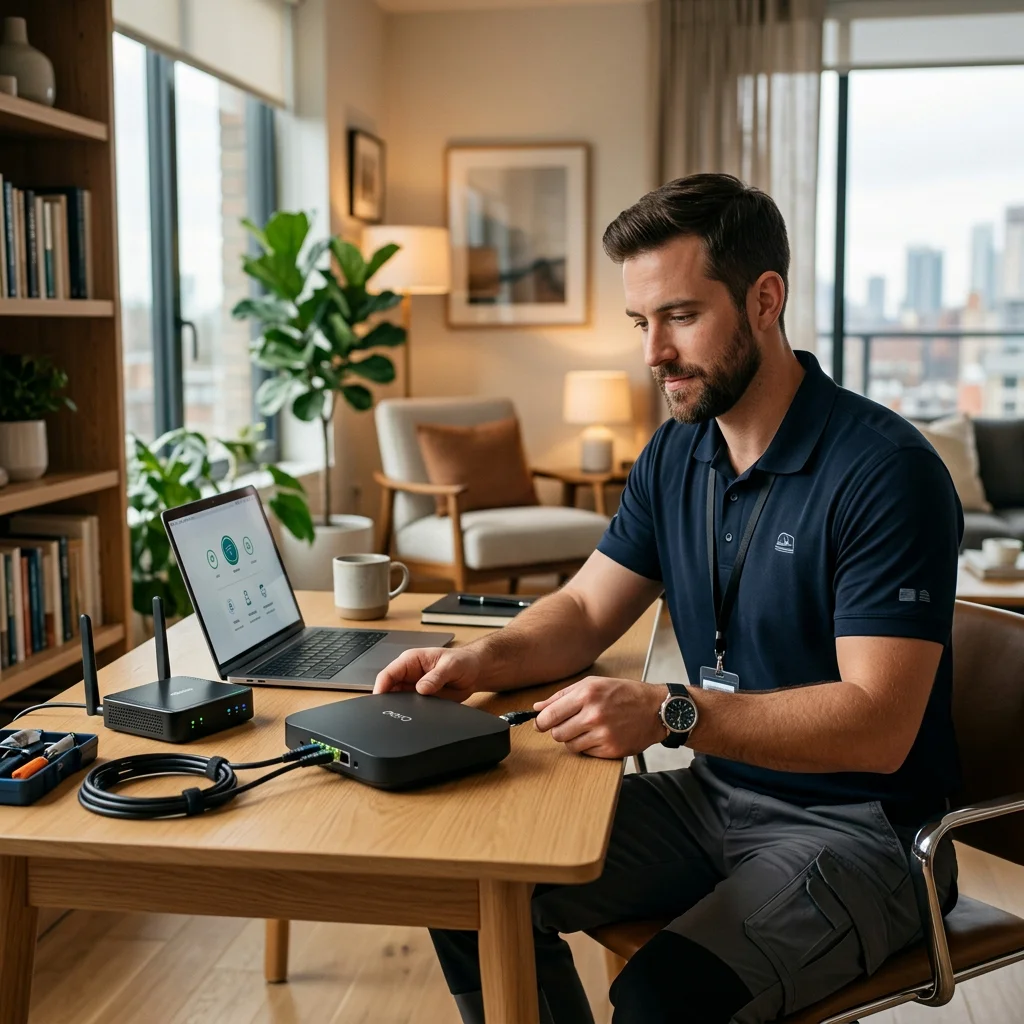
Backup that switches over correctly during an outage requires proper configuration. We set it up, test it (simulating an outage to verify failover works), and confirm everything switches back correctly.
Coordinated with Security
Security cameras and smart home devices benefit most from backup. We make sure they're properly connected so they stay online when primary internet fails — not just connected, but verified to actually keep working.
Frequently Asked Questions
Internet backup for home is a secondary internet connection that automatically activates when your primary fiber or cable internet goes down. Most consumer internet backup uses a cellular connection (4G LTE or 5G) as the backup link. Your gateway continuously monitors the primary connection. When it detects an outage, the gateway routes traffic through the cellular backup automatically — usually in 10 to 30 seconds. When the primary is restored, it switches back without any manual action. From your perspective, the outage becomes a brief pause followed by everything continuing to work.
Cellular failover is automatic and seamless; tethering to a phone is manual and limited. With proper cellular failover, your entire home network — every device, every security camera, every smart home gadget — keeps working through the outage without anyone doing anything. With a phone hotspot, only the devices you connect to your phone get internet, and you have to actively set it up every time. For brief, planned outages or single-device use, tethering can work. For real outage protection across the whole home, cellular failover is the right answer.
Yes, and this is one of the strongest cases for backup. Security cameras, video doorbells, and smart locks typically depend on internet connectivity to record to the cloud, send alerts to your phone, and provide remote access. During a primary internet outage without backup, cameras may continue to record locally if equipped with onboard storage, but cloud recording, remote alerts, live viewing, video doorbell calls, and smart lock app access stop. With wireless internet backup, all these stay fully connected — alerts continue, cloud recording continues, doorbell calls reach your phone, and you can still lock or unlock smart locks remotely. VoIP home phone service also remains functional, though call quality depends on backup speed.
Backup speed depends on the technology and your local cellular signal. 4G LTE backup typically delivers 25 to 100 Mbps in real-world conditions. 5G backup typically delivers 100 to 300 Mbps. Both are slower than 1 Gig fiber but comfortable for everything most households actually need during an outage — video calls, web browsing, email, security cameras, smart home devices, and standard streaming. The honest framing: backup isn't designed to give you the same experience as your primary internet. It's designed to keep you working during the brief window your primary is down.
Specific pricing structures vary by provider and the type of backup setup. Provider-bundled backup that uses your existing wireless phone line as the backup connection may add little or no additional monthly cost, depending on your phone plan terms. Dedicated cellular backup using a separate cellular data plan typically costs a modest monthly fee for the backup connection. The honest answer is that the specific cost depends on your existing services and which backup model fits your situation. We provide accurate pricing based on what's actually available to you during the free consultation.
Not by itself. Your gateway needs electricity to operate, including for cellular backup. If your home loses power, the gateway turns off and backup can't activate. For homes that also need internet during power outages, a separate battery backup (UPS) on the gateway is the right complement. A modest UPS can keep the gateway running for hours during a power outage, with the cellular backup connection keeping you online. We can recommend the right UPS size based on how long you need to stay connected.
For income-dependent remote workers, usually yes. The cost-benefit case is straightforward for households where internet downtime directly affects earnings — freelancers billing by the hour, professionals running client video calls, sales reps depending on CRM access, or anyone whose absence during work hours has real financial consequences. For these users, the annual cost of backup can quickly be exceeded by the cost of a single significantly disrupted day. For salaried remote workers in highly reliable internet areas who can tether to a phone during brief outages, the math is less clear-cut. Backup internet for working from home is genuinely useful, but the honest answer depends on what an outage actually costs you.
Setup depends on the backup model. Provider-bundled backup is typically configured through the home network management app — you link the backup wireless device, enable the failover feature, and the gateway handles the rest. Dedicated cellular backup routers require physical installation and configuration of the cellular service. Either way, we handle the setup, test the failover (we simulate an outage to verify everything actually switches over correctly), and make sure switchback works properly when primary internet returns. Most installations take under an hour.
Keep Your Home Online During Outages
Talk to a Home Secure Connect advisor. We'll review your current setup and give you a free, transparent quote for automatic internet failover.
Or call (855) 248-8052. Mon to Fri, 10am–8pm ET.