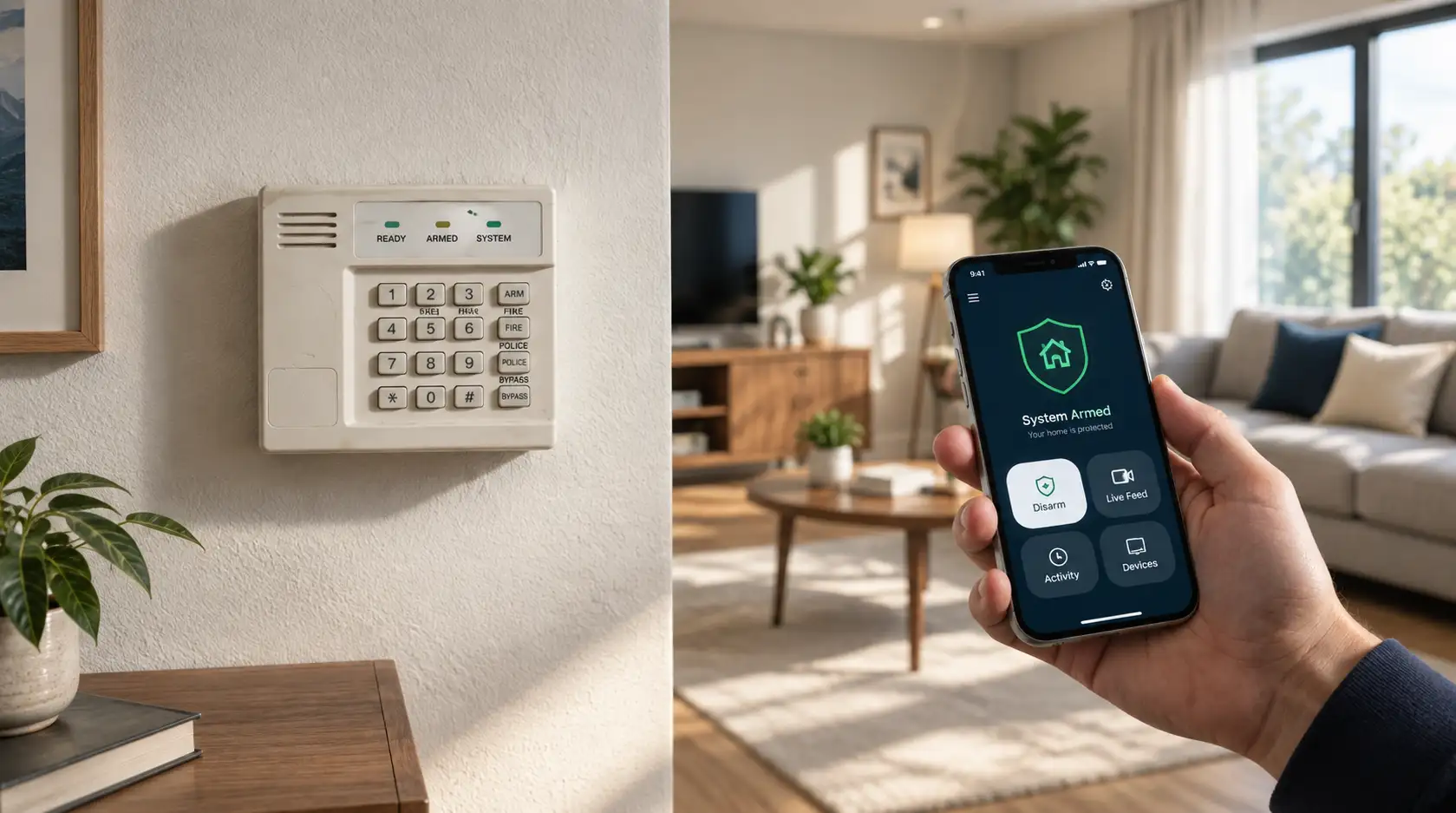
Quick Answer
In one sentence: Put the system in test mode with your monitoring center, trigger each sensor, then call back to confirm they received every signal, because a sounding siren does not prove the system reached anyone.
The longer answer: Testing feels simple, and most people do the easy half: they trip a sensor and hear the siren. But the siren is not the point. The system's real job is to send a verified signal to the monitoring center so help can be dispatched, and that link can fail silently while the alarm still makes noise. Real testing confirms the signal arrived. This guide covers the safe way to do a full test monthly, the backup-connection test hardly anyone runs, and how to read what a failed test is telling you.
Key Takeaways
- Always put your system in test mode with the monitoring center first, or you will dispatch emergency services to a false alarm.
- A sounding siren does not confirm the signal reached the monitoring center. The verification call-back does.
- Test every sensor, then confirm the center received each one by name.
- Run the backup-connection test by disconnecting your internet and checking the system switches to cellular.
- Test monthly, and again after any renovation, power outage, or change to your phone or internet service.
Here is an uncomfortable question: could your alarm be sending signals that nobody is receiving? Plenty of systems sit for years looking perfectly healthy, panel lit, siren loud, while the one link that actually matters has quietly broken. The only way to know is to test properly, and testing properly is not what most people think it is. If you want the background on how a monitored system turns a signal into a response, our guide to 24/7 professional monitoring covers that. This is how you check yours works.
The One Thing Most People Get Wrong
Most people test their system by tripping a sensor and listening for the siren. If it sounds, they conclude everything is fine. It is an easy mistake, and it checks the wrong thing.
The siren is the local alarm. It tells you a sensor triggered and the panel reacted. What it does not tell you is whether a signal left your home and reached the monitoring center, which is the part that brings help when you are not there to hear anything. Those are two separate systems, and the communication path is the one that fails silently. A cut cable, a lapsed cellular module, or a broadband change can all leave the siren working while the center hears nothing.
So the defining step of a real test is not the siren. It is calling the monitoring center afterward and confirming they received the signals. Everything below is built around that.
Before You Trigger Anything: Test Mode
This step is not optional, and skipping it has real consequences.
⚠ Put the system in test mode first
Before you trigger a single sensor, contact your monitoring center and ask them to place your account in test mode. Have your account number and verbal password ready. In test mode, the signals you send are logged but not acted on, so you will not send police or fire crews to a false alarm. Tell them you will call back to verify the results. Triggering your alarm without doing this can cause a real emergency dispatch, which wastes responders and, in many areas, brings a fine.
You can usually enter test mode by calling the center, and on many systems through the panel or the mobile app under system settings. When in doubt, call. A short phone call is far cheaper than a false-alarm fine.
The Full Monthly Test, Step by Step
With the system in test mode, work through every device methodically. The goal is to trigger each one and later confirm the center saw it.
- Secure all protected doors and windows so the system can arm cleanly.
- Arm the system. Arming in a stay mode lets you move around the home while testing.
- Wait for the arming delay to finish so the system is fully set.
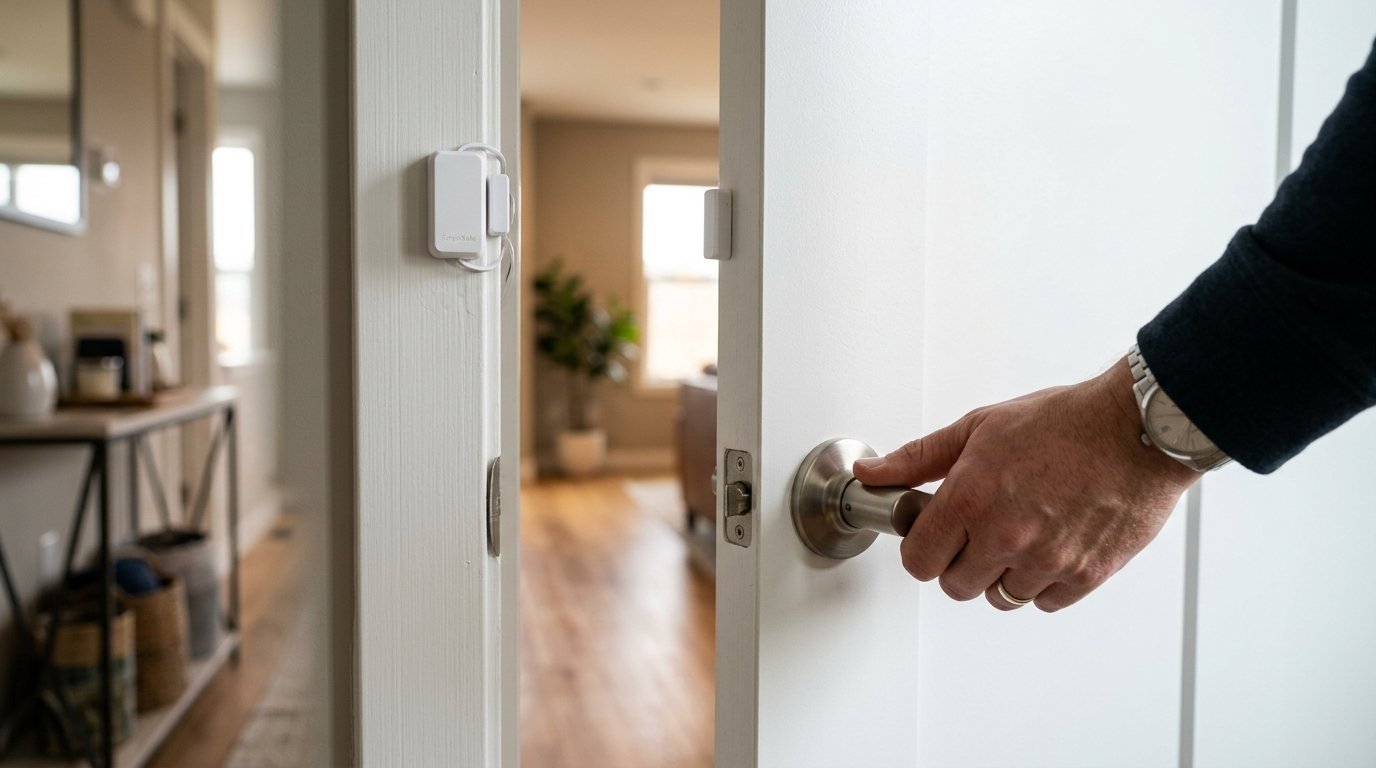
- Trigger each device, one at a time: open every monitored door and window, walk past each motion sensor, and press any panic button.
- Let the siren sound for about 30 to 60 seconds so you can confirm it works and is loud enough.
- Disarm the system.
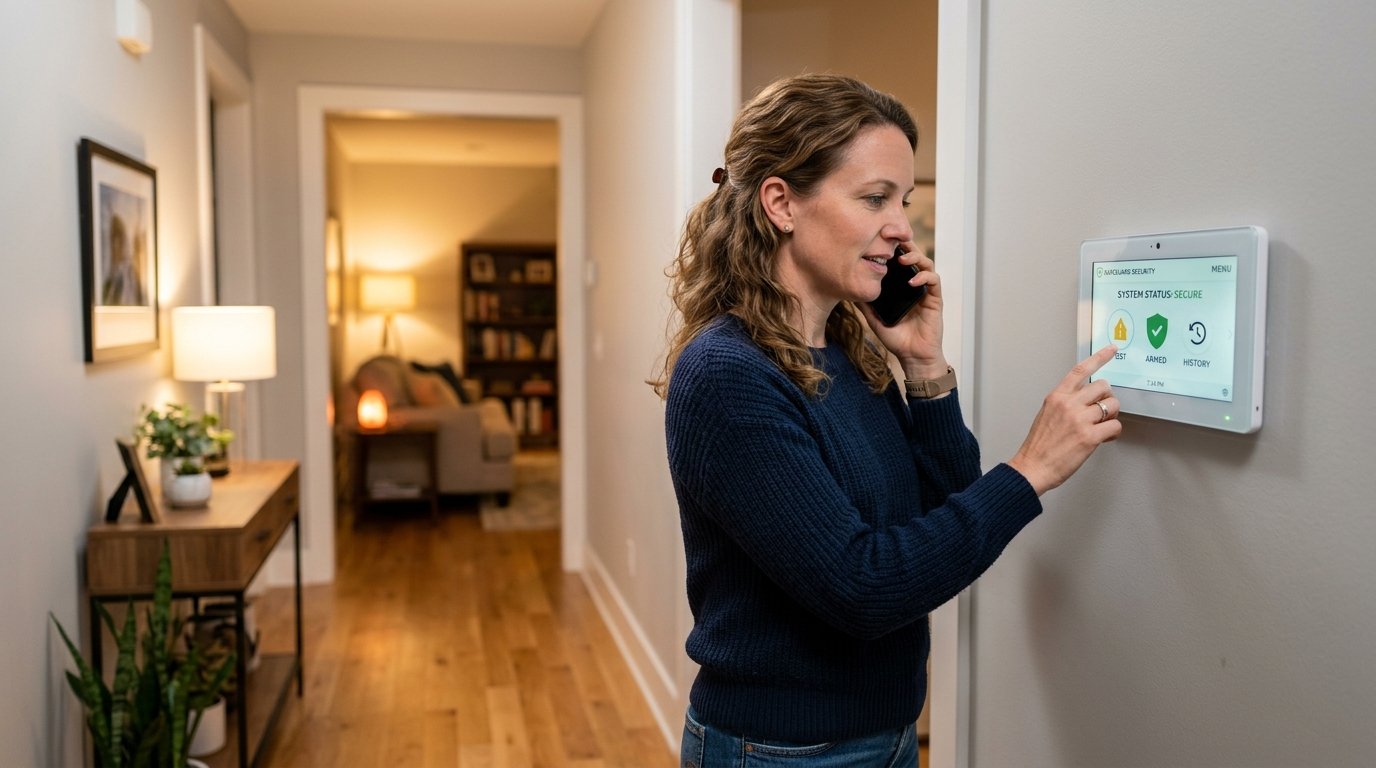
- Call the monitoring center back and ask which signals they received, by name. For example: did you get the front door, the kitchen window, and the living room motion?
- Confirm every device you triggered shows up. Any that is missing is your problem device.
- Ask them to take your system out of test mode and confirm it is back online.
That call-back in steps seven and eight is the heart of the whole exercise. If the center received every signal, your communication path is working. If a device is missing, you have found a real gap before it mattered.
Test turned up a problem you can't place?
Our advisors can help you make sense of a failed test and talk through options across our provider partners, whether it is a quick fix or a bigger gap. Free consultation, no pressure.
Call (855) 248-8052 or request a free quote online.The Test Almost Nobody Runs: Your Backup Connection
Here is the step that separates a thorough check from a superficial one, and it is the one that matters most in an actual break-in. Many systems use your home internet to talk to the monitoring center, with a cellular module as backup. That backup is exactly what should keep working if an intruder cuts your cable or the power drops, a scenario our guide to upgrading an older system explains in more detail. The problem is that almost nobody ever checks the backup actually engages.
How to test the failover (still in test mode)
- Disconnect your internet: unplug the router, or the Ethernet cable from the panel.
- Wait 2 to 3 minutes for the panel to notice the broadband connection is gone.
- Check the panel status screen for a cellular or cell-active indicator.
- Trigger a sensor and, on your verification call, confirm the signal still reached the center over cellular.
- Reconnect your internet and confirm the panel switches back to broadband.
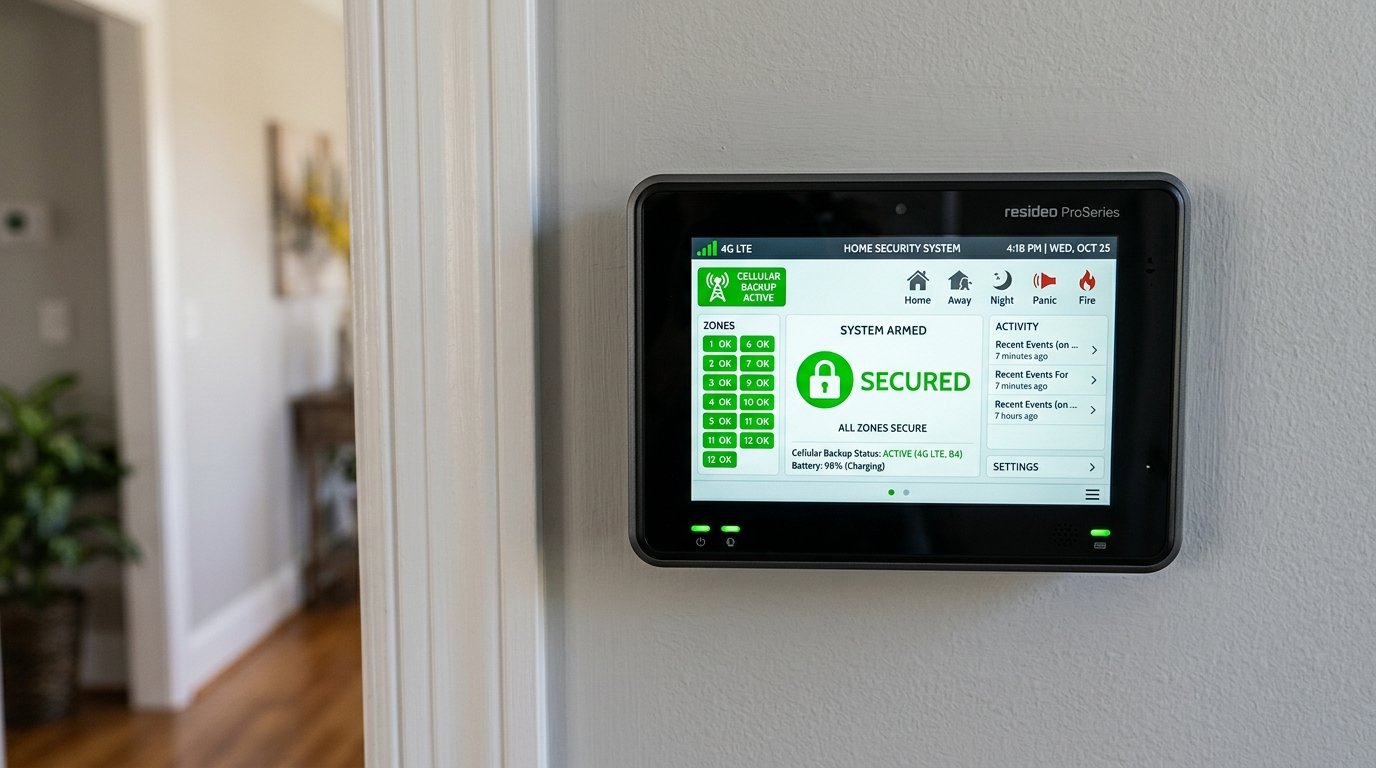
If the cellular backup does not engage, the module may need reactivating or replacing. That is a fault worth fixing promptly, because it is the failure that shows up at the worst possible moment.
Checking the Parts That Don't Signal
Two important components are not fully covered by the signal test, and each needs its own quick check.
The siren itself
During the test you already heard it, but listen to how it sounds. An external siren should be audible from a good distance, on the order of 100 feet. A weak or distorted siren can mean a dead backup battery in the siren unit, a wiring fault, or a failing speaker, and it should be replaced.
Cameras
Cameras generally cannot be checked through the panel signal test. You verify them by actually viewing the live feed and any recording. While you are there, wipe the lenses, since dust and cobwebs quietly ruin night vision and reduce the accuracy of smart detection. A camera you never look at is a camera you cannot trust.
What Each Failure Is Telling You
A failed test is not a disaster. It is a diagnosis, and most issues are minor and fixable. Here is how to read the common ones.
| What you saw | What it usually means, and the fix |
|---|---|
| A door or window sensor didn't register | The magnet is misaligned or the battery is dead. Realign the two halves, or replace the battery, often a small coin or cylinder cell listed in your manual. |
| A motion sensor didn't trigger | Often the cover is not fully seated. Reseat it firmly, then retest. If it still fails, check or replace its battery. |
| The siren was weak or distorted | A dead siren backup battery, a wiring issue, or a failing speaker. This one usually means replacing the siren unit. |
| The center missed one device | That device is not communicating even though others are. Recheck its battery and placement; if it still fails, it needs service. |
| The center received nothing at all | A communication-path problem, not a sensor problem. Check your internet and run the backup test; if neither path reaches the center, call a professional. |
When to Test, and When to Call a Pro
Monitoring providers generally recommend a full test once a month. Beyond that, test again after anything that could disturb the system: a renovation or remodel, a power outage, or any change to your phone, internet, or broadband service, since those can quietly break the communication path.
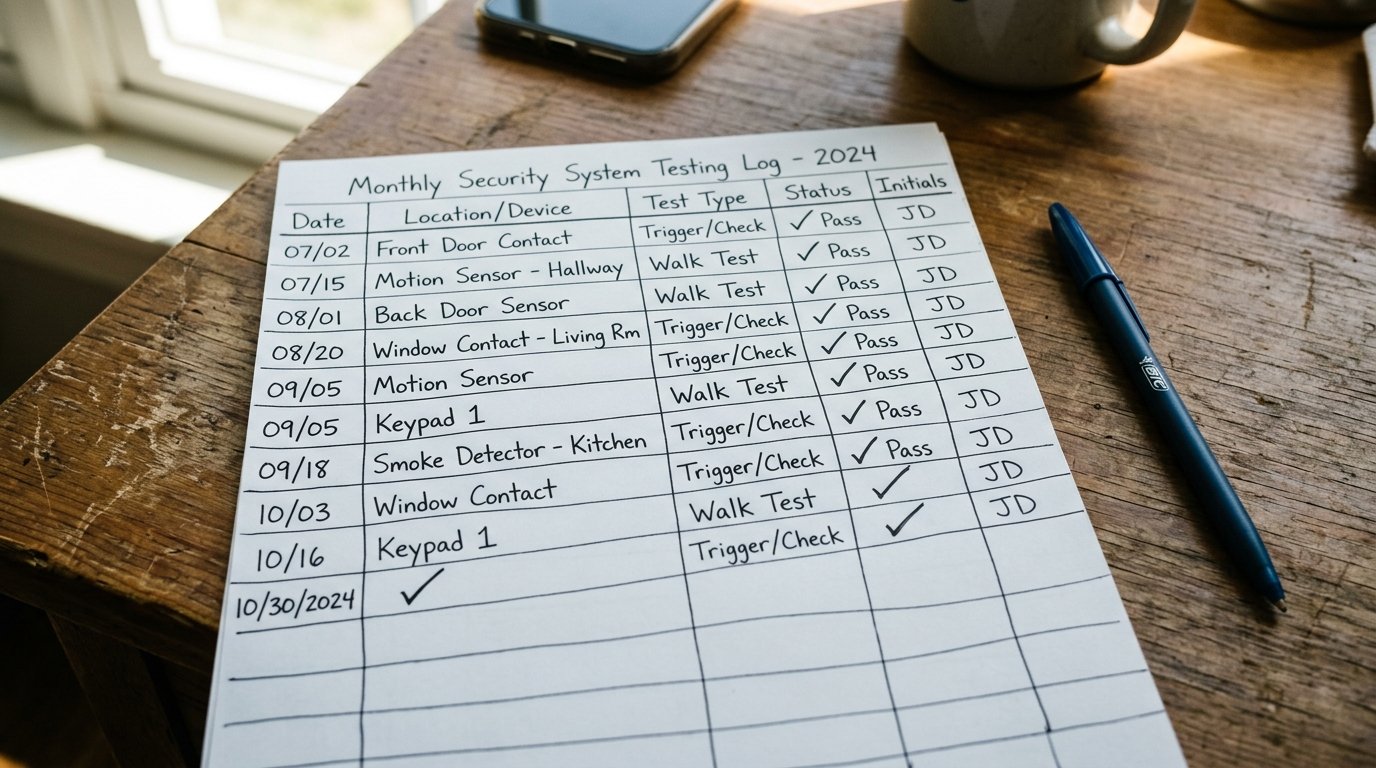
Keep a simple log
Note the date, what you tested, and anything that failed. Over time a log reveals patterns, like a sensor that needs frequent new batteries or a zone that keeps faulting, which is far more useful than relying on memory.
Call a professional when the panel cannot reach the center over either broadband or cellular after your checks, when the same device keeps failing after a battery change, or when the siren needs replacing and you are not comfortable doing it. A communicator or antenna fault is a job for a technician, not a homeowner.
Frequently Asked Questions
How often should I test my home security system?
Once a month is the general recommendation. Test again after any renovation, a power outage, or any change to your phone, internet, or broadband service, since those can quietly break the connection to the monitoring center.
Why do I have to put my system in test mode first?
So the signals you send are logged but not acted on. Without test mode, triggering your alarm dispatches emergency services to a false alarm, which wastes responders and, in many areas, brings a fine.
Does a loud siren mean my system is working?
No. The siren only shows the panel reacted locally. It does not confirm a signal reached the monitoring center, which is the part that brings help when you are away. Only the verification call-back proves that.
How do I test the communication with the monitoring center?
In test mode, trigger your sensors, then call the center back and ask which signals they received, by name. If every triggered device appears, your communication path is working. Any missing device is a real gap.
How do I test my cellular backup?
Still in test mode, disconnect your internet, wait a few minutes, and check the panel shows a cellular indicator. Trigger a sensor and confirm the center still received it. Then reconnect and confirm it switches back.
Can I test my security cameras the same way?
No. Cameras generally are not covered by the panel signal test. Check them by viewing the live feed and recordings directly, and wipe the lenses, since dust and cobwebs degrade night vision and smart detection accuracy.
My sensor didn't register during the test. What's wrong?
For door and window sensors, the magnet is usually misaligned or the battery is dead. For motion sensors, the cover is often not fully seated. Realign or reseat, replace the battery, then retest before calling for service.
What if the monitoring center received no signals at all?
That points to a communication-path problem rather than a sensor fault. Check your internet, run the cellular backup test, and if neither path reaches the center after troubleshooting, contact a professional to check the communicator.
Should I keep a record of my tests?
Yes. Note the date, what you tested, and any issues. A simple log reveals patterns over time, such as a sensor needing frequent batteries or a recurring zone fault, which helps you fix root causes rather than symptoms.
Can I test the system myself or do I need a technician?
Most monthly testing is a homeowner task. Call a technician when the panel cannot reach the center on either connection, when a device keeps failing after a battery change, or for siren or communicator hardware faults.
Related Reading
- What is 24/7 Professional Monitoring, and Is It Worth It?
- Should You Upgrade Your Old Home Security System?
- Fire Safety at Home: What Your Smoke Alarm Isn't Telling You
- Wireless vs Wired Home Security Systems
Explore our services:
Peace of Mind You Can Actually Verify
A system you have tested is worth far more than one you assume is working. Ten minutes a month, done properly, is the difference between hoping and knowing.
Home Secure Connect is an independent home security advisor. If a test reveals a gap, we can help you weigh a simple fix against a bigger change, and compare options across our trusted provider partners. Free consultation. No obligation. No pressure.
Call (855) 248-8052 or Request a Free QuoteAvailable Mon to Fri, 10am to 8pm ET.
Trending This Week
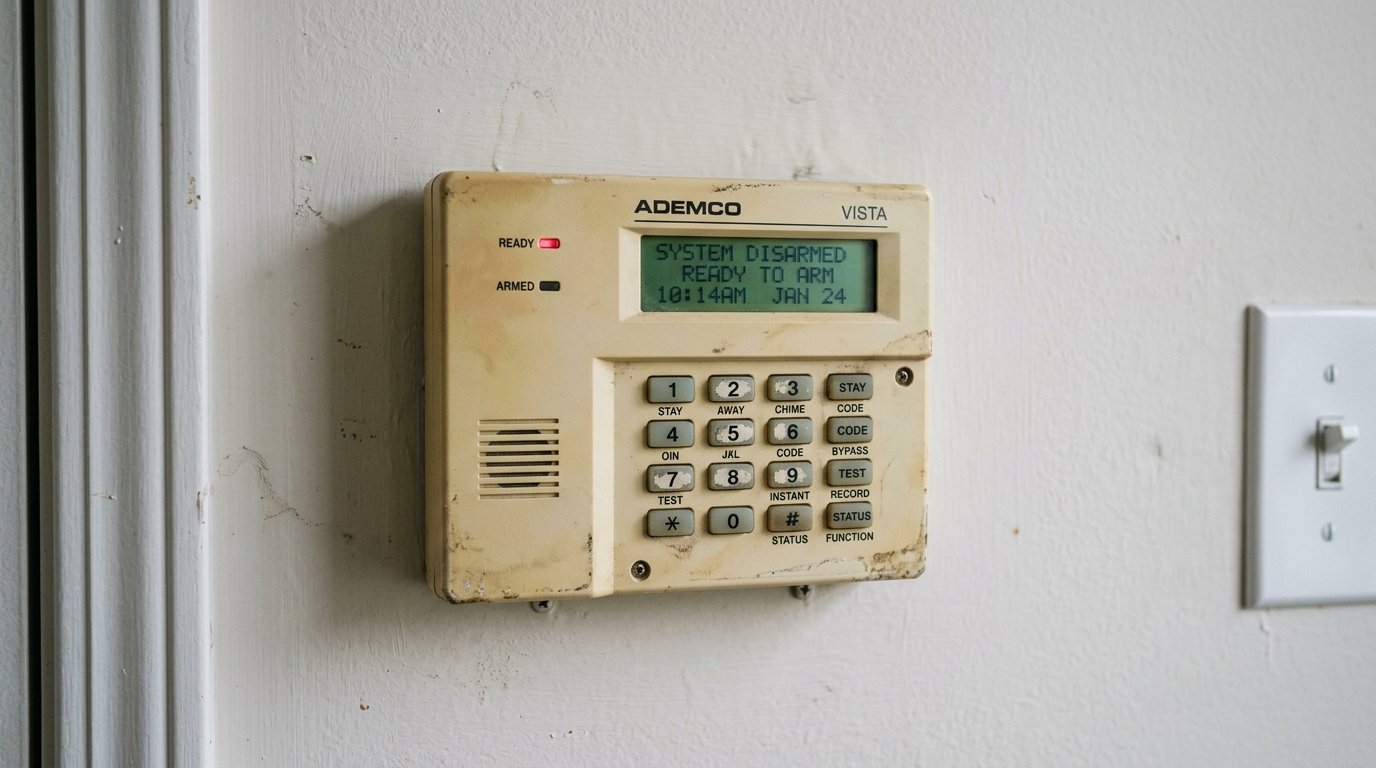
Should You Upgrade Your Old Home Security System?
September 7, 2026 · About 8 min read
Contract vs No-Contract Home Security: Which Actu…
September 2, 2026 · About 7 min read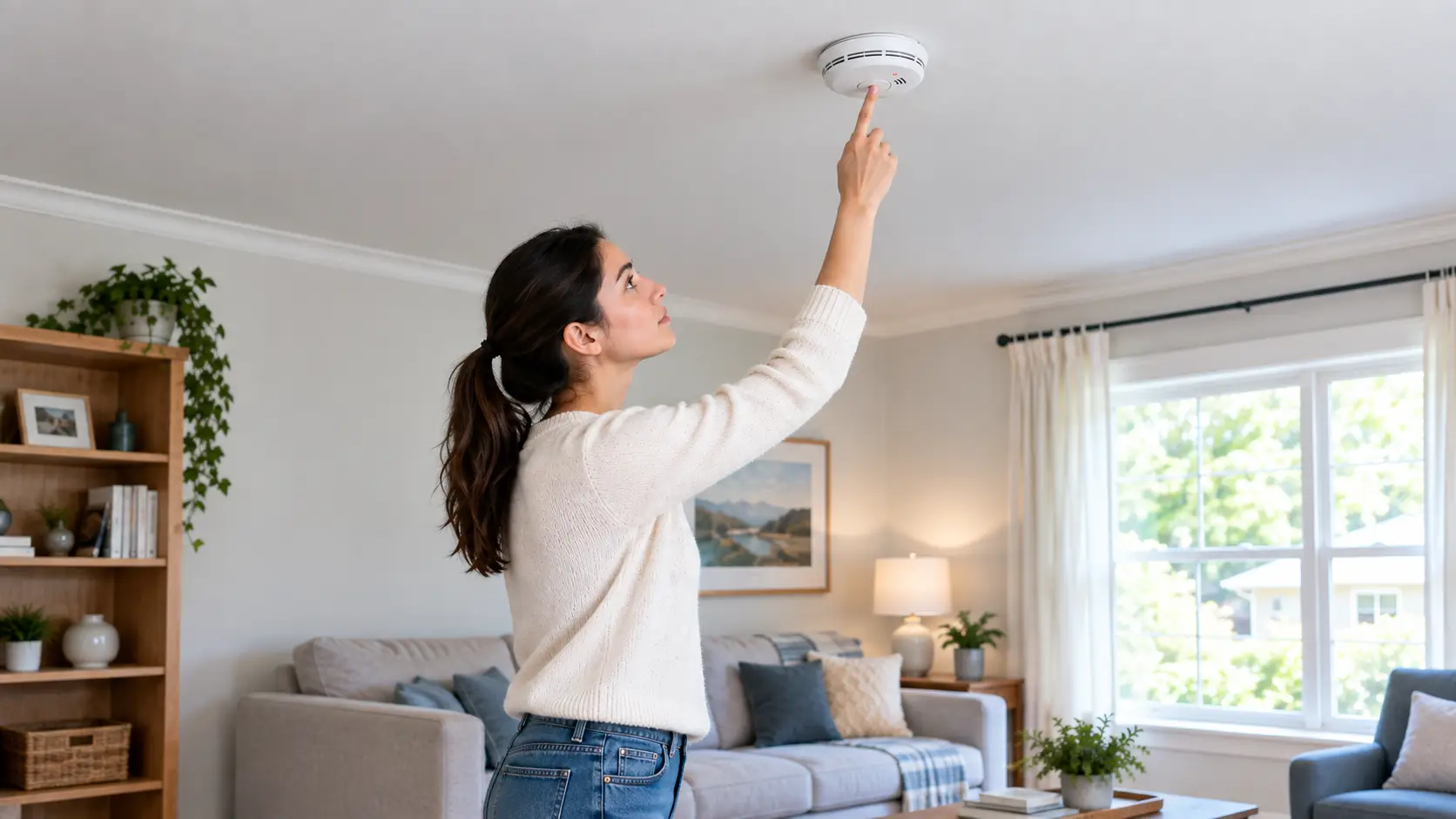
Fire Safety at Home: What Your Smoke Alarm Isn't …
August 31, 2026 · About 8 min read